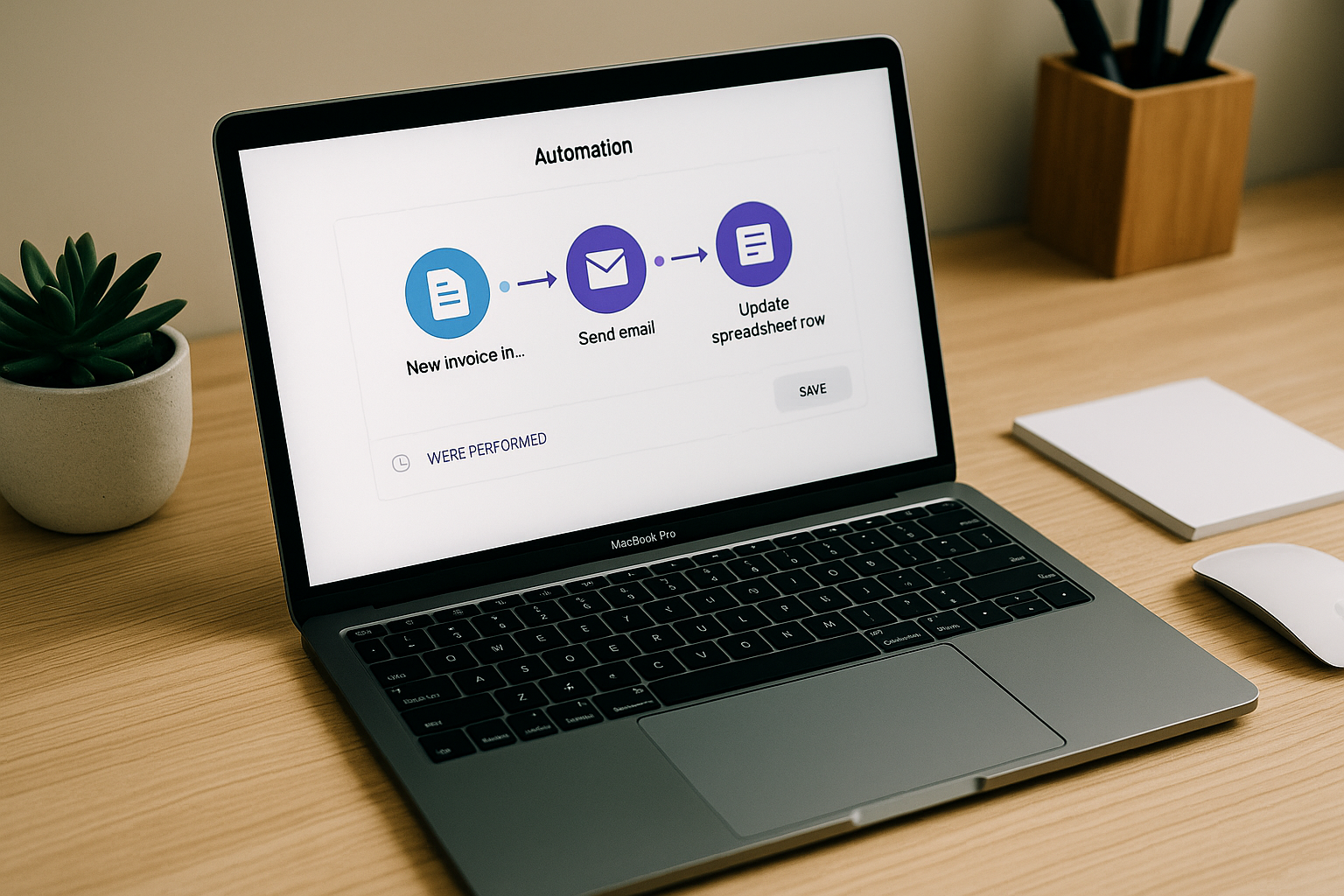
How to automate the repetitive tasks of your business without being a developer?
As a freelancer or manager of a small business, you probably spend too much time on actions With low added value : manual data entry, sending repetitive emails, updating files...
The good news? Automation is no longer just for developers.
Thanks to the tools No-code And Low-code, You Can Set Up Automatic Processes In a few clicks... and free up time for what really matters.
1. Identify tasks to be automated
Start by identifying the actions:
- Repetitive (every day, every week)
- Chronophages
- Without Strong Strategic Value
Common examples:
- Sending Invoices
- Reminder of customers for payment
- Updating a CRM
- Sending emails after subscribing to a newsletter
- Publishing content on multiple social networks
2. The Tools to Automate Without Coding
Zapier
- Connect over 5,000 applications
- Simple automation (“when X happens, then Y”)
- Example: When an invoice is paid on Stripe → send a thank-you email
Make (ex-Integromat)
- More Advanced Visual Automation
- Ideal for complex workflows (multiple steps and conditions)
IFTTT
- Automation for the general public (social networks, calendar, files)
- Very Easy to Handle
3. Automate customer management
- Airtable + Zapier : automatic update of your customer base after each completed form
- Notion : simple CRM with automated reminders
- Calendly : automatic appointment scheduling with integration into Google Calendar
4. Automate Invoicing and Cash Flow
- Freebe/Indy : invoices generated and sent automatically after validation of a quote
- Stripe + Zapier : Sending a receipt and updating the accounting as soon as a payment is received
- 💡 Tip : cockpits like Klark Centralize your bank accounts and can notify you in real time of your collections and deadlines.
5. Automate your marketing
- Buffer/Hootsuite : planning multi-network publications
- Mailchimp/Sendinblue : automatic email sequences after registration
- Canva + templates : quick creation of reusable visuals
6. Measuring the impact of automation
A good indicator: The Time Saved Each Month And Mistakes Avoided.
Automating Does Not Mean Delegating Everything to Machines: You Always Have To Control and Adjust.
In summary
Automation allows:
✅ To save time
✅ to reduce errors
✅ To focus on high-value tasks
Thanks to no-code tools, You Don't Need to Know How to Code To take advantage of it. The key is to start small... and optimize over time.